
Communication & Task Templates: Built to Scale the Way You Work
As teams grow and workflows become more complex, flexibility alone isn’t enough. You also need consistency, reusability, and better ways to manage work at scale.
That’s why we’re excited to introduce Communication Templates, Task Templates, and a redesigned Task experience. This is a major update focused on helping teams work faster, reduce duplication, and stay organized as they scale originations.
Why We Built Templates
Before this release, the system allowed users to create emails, text messages, and tasks directly inside automated workflows and application flows. While powerful, this approach became harder to manage as usage grew.
Customers told us they were running into the same challenges:
- Tasks and communications were created as isolated workflow actions, making them difficult to find, manage, or reuse
- Common messages and tasks were duplicated across multiple workflows
- Updating content meant making the same change in many places
- Users often had to start from scratch when creating tasks, emails, or SMS
Templates were built to solve these problems - without taking away flexibility.
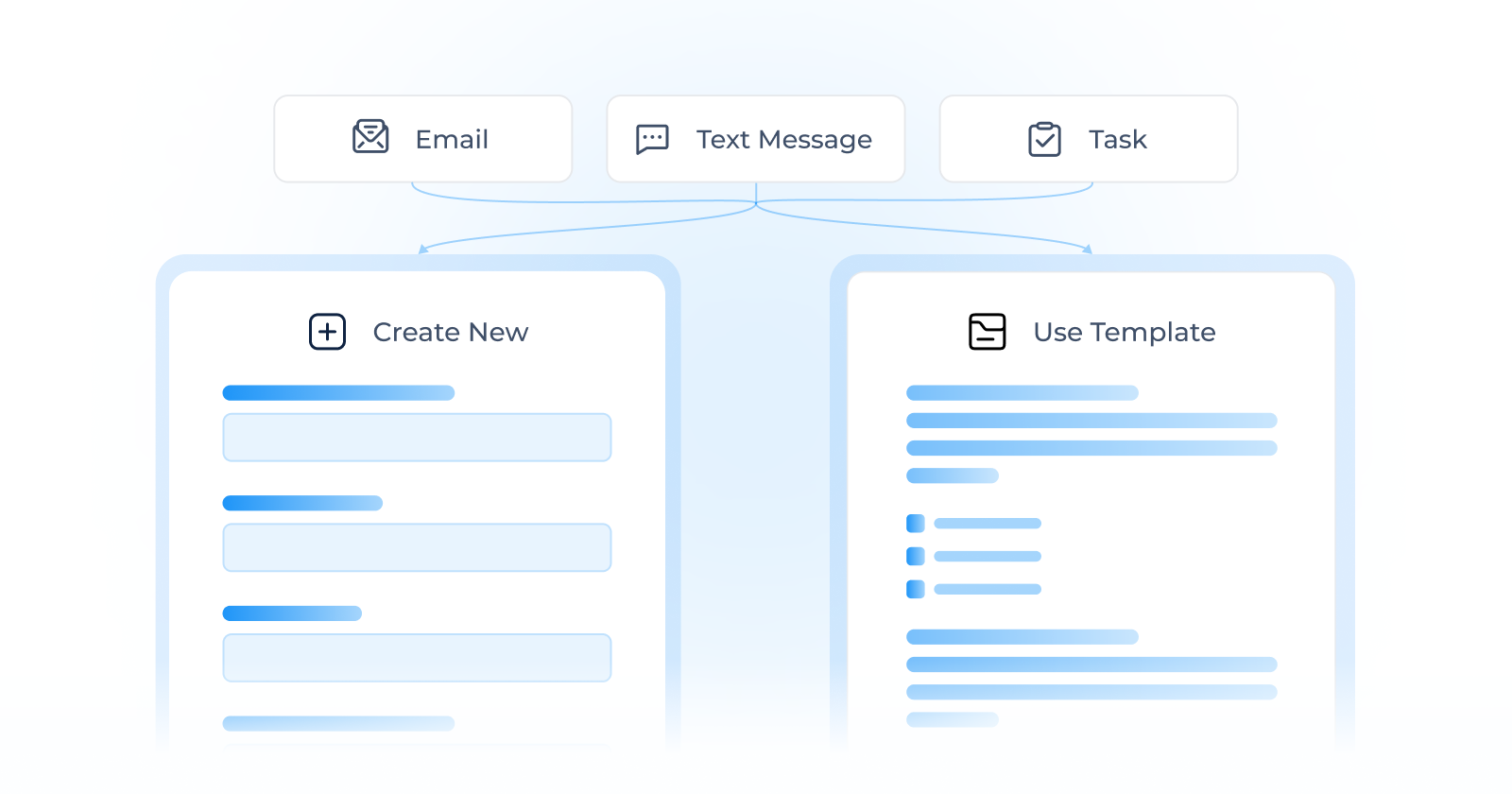
Communication Templates: One Message, Reused Everywhere
Communication templates allow teams to define commonly used emails and text messages once, and then reuse them consistently across the system.
What’s New:
- Reusable Email Templates
- Reusable Text Message Templates
- Centralized management in Lending Setup
- Easy selection of templates when sending messages
The Benefit:
- No more duplication across workflows
- Faster updates by changing a template once instead of editing multiple automations
- Consistent messaging across teams and channels
- Less effort when sending standard messages from applications or workflows
Templates make it easier to scale communication without losing control.
Task Templates: Designed for Structured, Repeatable Work
Every task is different. Some are quick, one-off actions. Others are complex, data-driven, and repeated across many applications.
The second category of tasks, which are more complex and recurring, is specifically what Task Templates were developed to address.
What’s New:
- Reusable task templates with predefined instructions and data fields
- Use templates in automations and when creating tasks manually
- Centralized management of commonly used tasks
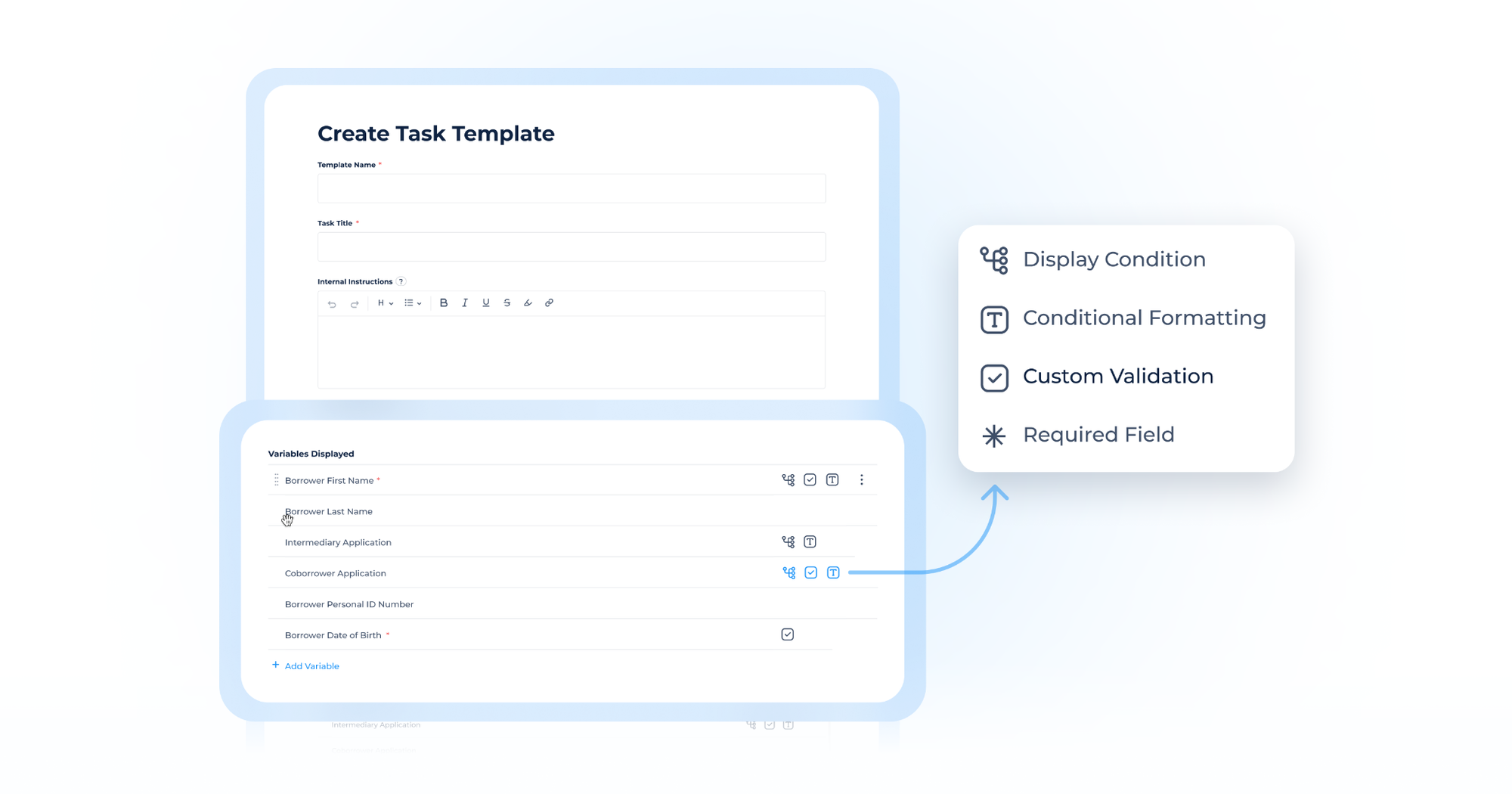
Advanced Variable Configuration
One of the biggest enhancements in this release is the ability to configure advanced variable behavior directly in task templates.
For each variable in a task template, you can now define:
- Display condition to control when a field appears
- Conditional formatting to visually highlight important values
- Required or optional settings to enforce completeness
- Custom validations to ensure data meets your rules
This gives teams precise control over how task data is collected, validated, and presented - making templates ideal for complex, structured, and standardized tasks.
Templates vs. Manual Tasks: Clear Use Cases, Better Experience
To keep everyday work fast and intuitive, this release clearly separates two task creation paths:
Task Templates are best for:
- Repetitive, standardized workflows
- Tasks that require structured data and validation
- Scenarios where consistency matters
Templates provide powerful configuration and control, and once created, they can be reused anywhere.
Manual Tasks are best for:
- Ad-hoc or one-off work
- Quick follow-ups
- Tasks created on the fly by users working on an application
Manual tasks are lightweight and easy to create. Variable configuration lives exclusively in templates, keeping manual tasks fast, simple, and accessible.
This approach gives teams structure where it’s needed and speed where it matters most.
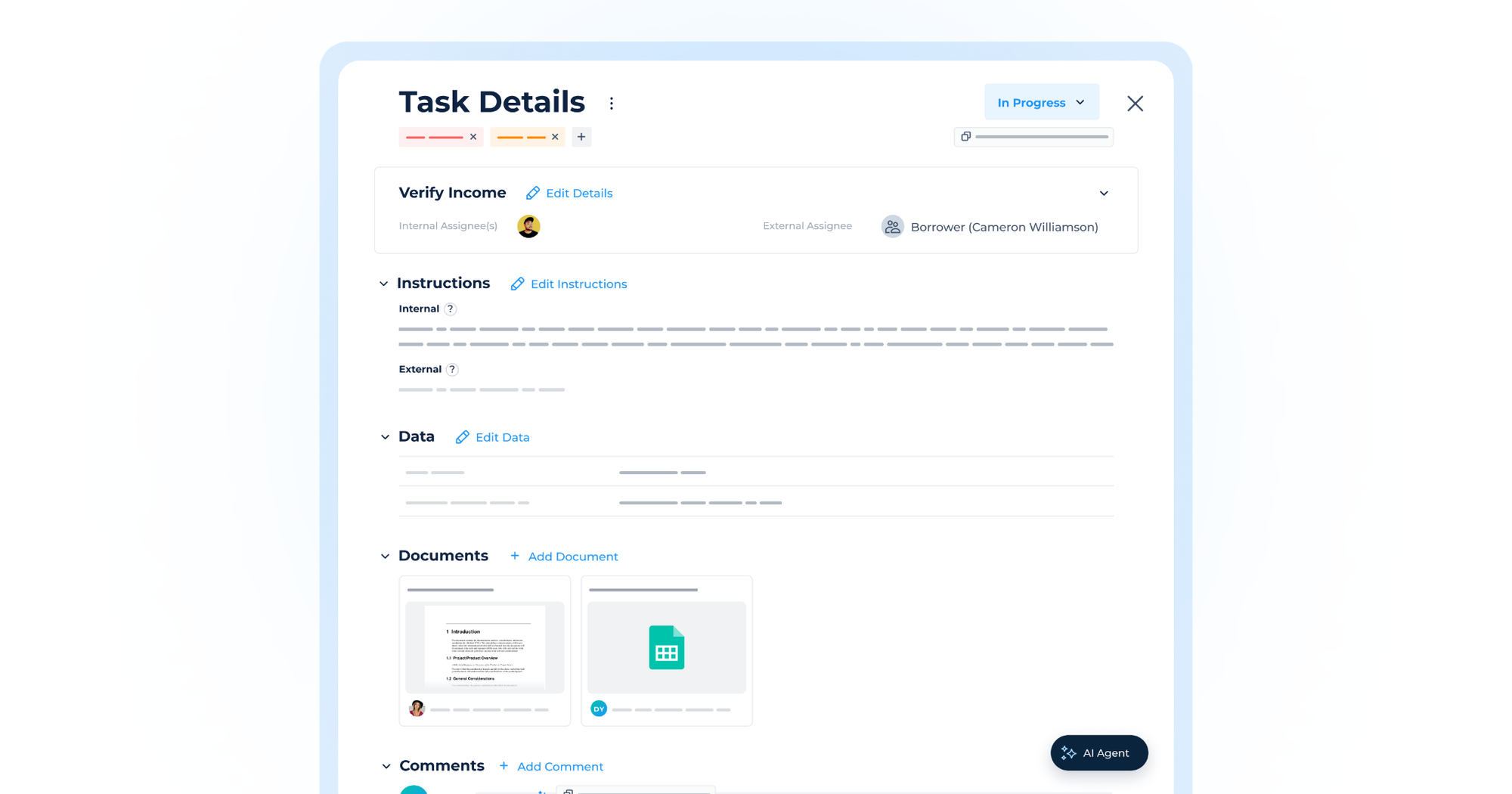
A Smarter Task Details Experience
We’ve also redesigned the Task Details view to make working on tasks more efficient.
What’s Improved:
- A new cleaner layout
- Inline editing for task information, instructions, and data
- Improved document previews and navigation
New: Split-View Mode for Documents
One of the most requested improvements is finally here.
You can now open task documents in a split-view mode, allowing you to:
- View task details and documents side by side
- Scroll and work in both areas independently
- Fill in task data while referencing documents without switching sections
This removes constant back-and-forth between views and makes document-heavy tasks easier to complete.
Built to Scale With Your Workflows
This release is all about making the system easier to manage as usage grows:
- Fewer duplicates
- Faster updates
- More consistency
- Better day-to-day usability
By introducing templates and improving how tasks are worked on, we’re aiming to give teams the tools they need to scale their workflows confidently and without adding friction.
We’re excited to see how you use these new capabilities to streamline your processes and work better every day!