
New in DigiFi: Multi-Select Lists & Improved Notes

Our latest release rolls out two updates that make it easier to work with complex data and collaborate on applications: a new “Multi-Select List” variable type and a redesigned Application Notes experience.
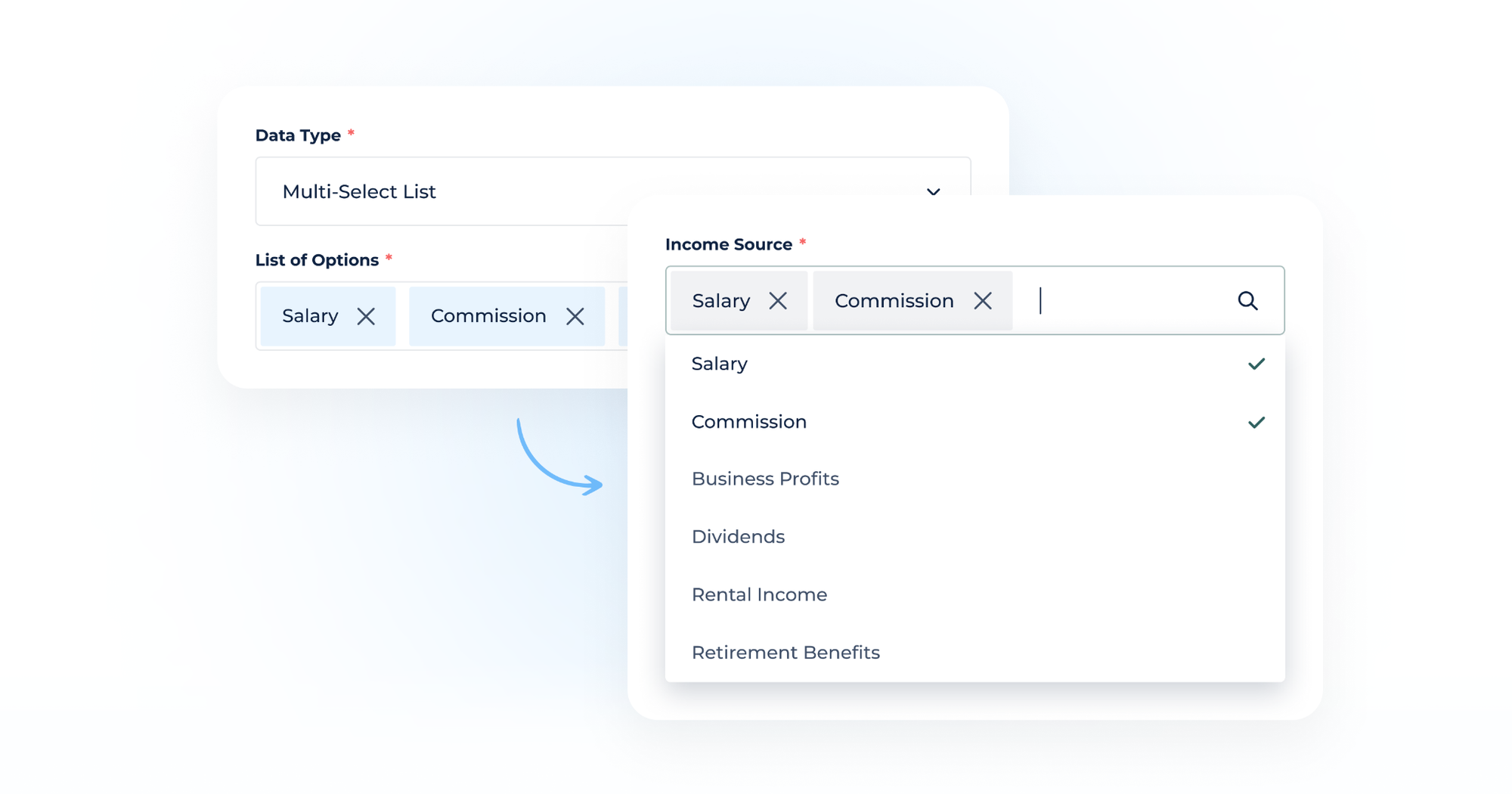
New Variable Type: Multi-Select List
Until now, “List” variables in DigiFi let users choose a single value from a predefined set of options. This is great for fields like "State" or "Loan Purpose," where only one answer makes sense, however real-world data isn't always that tidy. Sometimes you need to capture several values at once, and that's exactly what the new “Multi-Select List” variable type is for.
It works like a standard List variable, but instead of restricting selection to one option, it lets users choose multiple options and save them all within one variable.
This means:
- Cleaner data models. No more splitting one concept into multiple boolean or single-select variables just to capture multiple selections.
- More accurate applicant data. Capture the full picture in scenarios where "select one" was an awkward fit.
- Consistent validation. Selection options are predefined, so you keep the structure and control you're used to, but with multi-select flexibility.
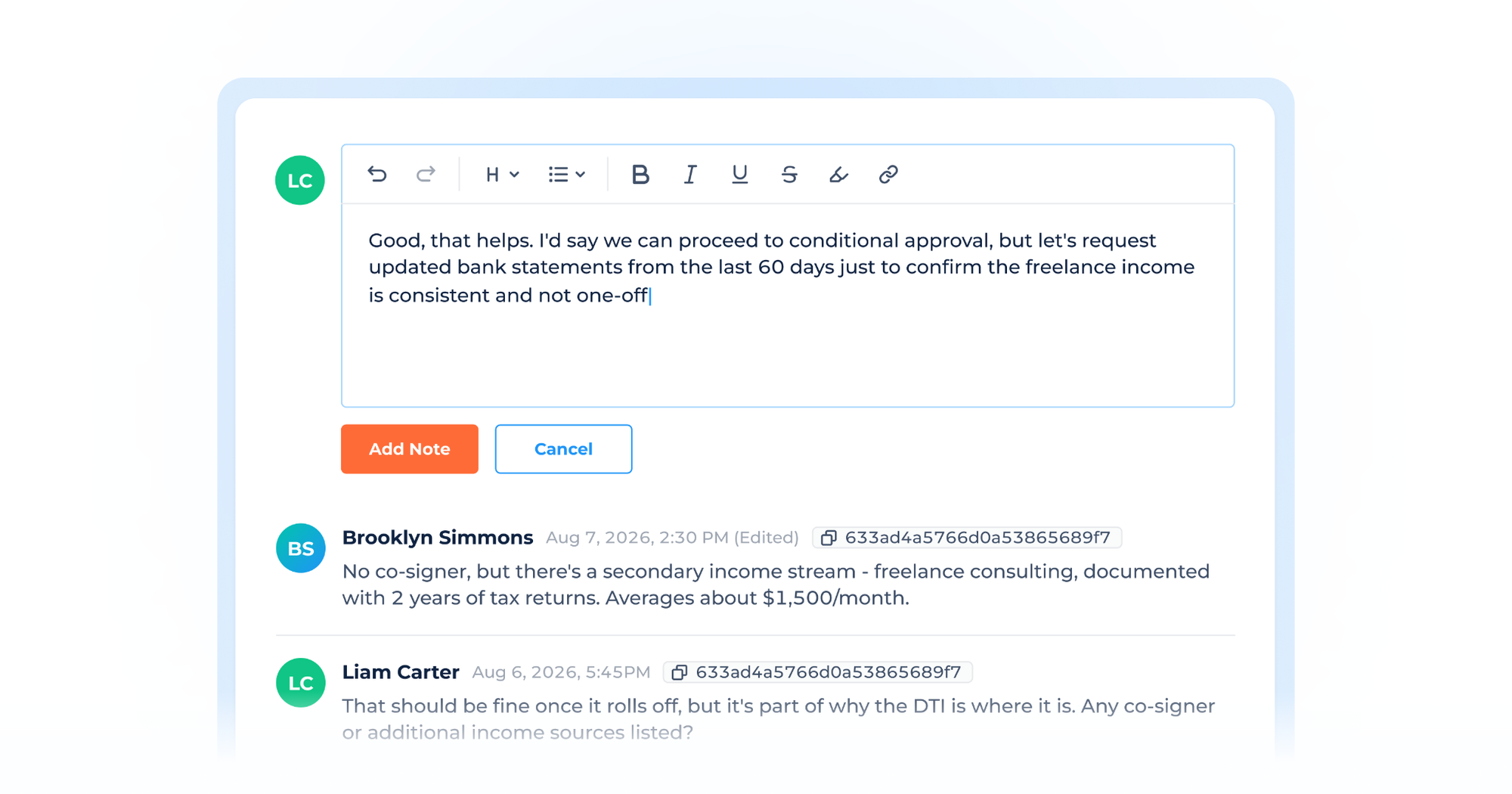
Application Notes: Redesigned & Upgraded
The Application Notes section is one of many collaboration tools in DigiFi – it's where teams can leave context, flag issues, and keep a running conversation regarding an application. With this release, we've given it a refresh focused on making notes easier to read and quicker to add.
The redesign brings:
- Improved readability to make it easier and faster to scan through a long set of notes.
- Easier note writing, reducing friction when you just need to jot something down quickly.
- Additional security controls, including removing the ability to edit other authors’ notes and improved note audit logs within Application History.
The underlying functionality you rely on hasn't changed much – this is about making the experience smoother for the teams using it every day.
Try It Out!
Both updates are live now. Head into your DigiFi account to configure a Multi-Select List variable or check out the refreshed Notes section on any application, and let us know what you think!