
New in DigiFi: Files Multi Upload

We’re happy to announce the release of Files Multi Upload, a new capability designed to make working with documents faster and more seamless across the Lending System.
Built from Your Feedback
Many of our users work with applications and configurations that involve dozens of documents at once. Over time, we consistently heard that uploading and managing files should better support these workflows.
Files Multi Upload was built in direct response to this feedback, helping reduce unnecessary friction and making day-to-day document handling more efficient and intuitive.
What’s New
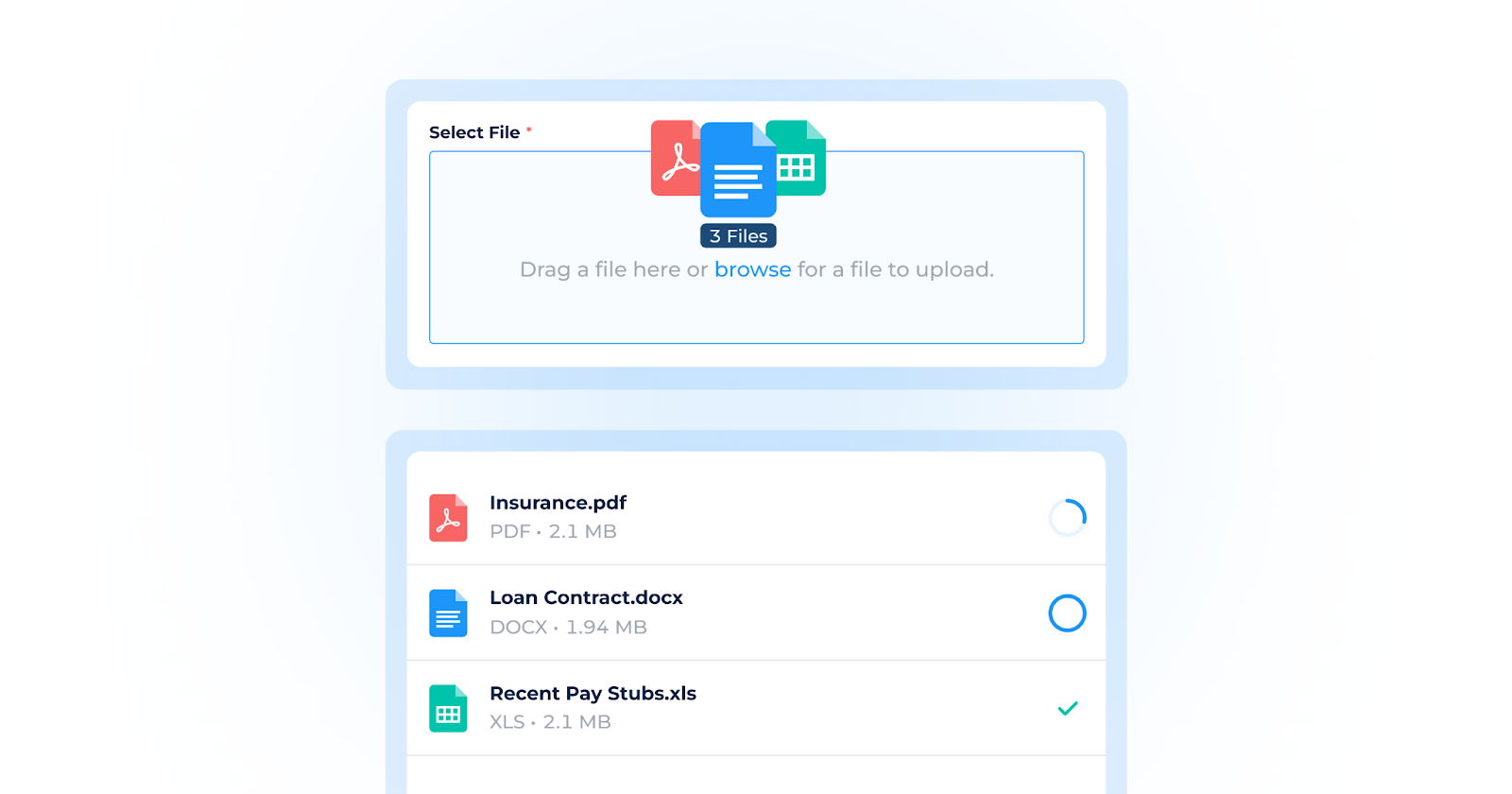
With Files Multi Upload, you can now upload several files in a single action across key areas of the platform.
Upload multiple files at once
Select multiple files using browse or drag and drop them directly into the upload area.
Review before uploading
View all selected files in a clear list, remove individual files, and adjust settings before starting the upload.
Per-file settings and validation
Assign labels and permissions to each file as needed, with inline validation for supported requirements.
Live upload progress
Track the upload status of each file in a floating progress window, including success, failure, and cancellation states.
Background uploads
Continue working while files upload in the background, even if you minimize the upload panel.
Where It’s Available
Files Multi Upload is now supported in multiple areas, including:
- Application > Documents
- Application > Tasks
- Secure File Upload pages
- Send Email
- Digital Portal Task Elements
This release is focused on making everyday work smoother – from spending less time managing uploads to having clearer visibility into each file’s status.
As always, we’ll continue to iterate based on feedback and usage patterns, with more enhancements planned to further streamline your day-to-day work.